HOWTO: Integrating Gauge with GoCD
GoCD is a continuous integration and deployment tool.
Setup
-
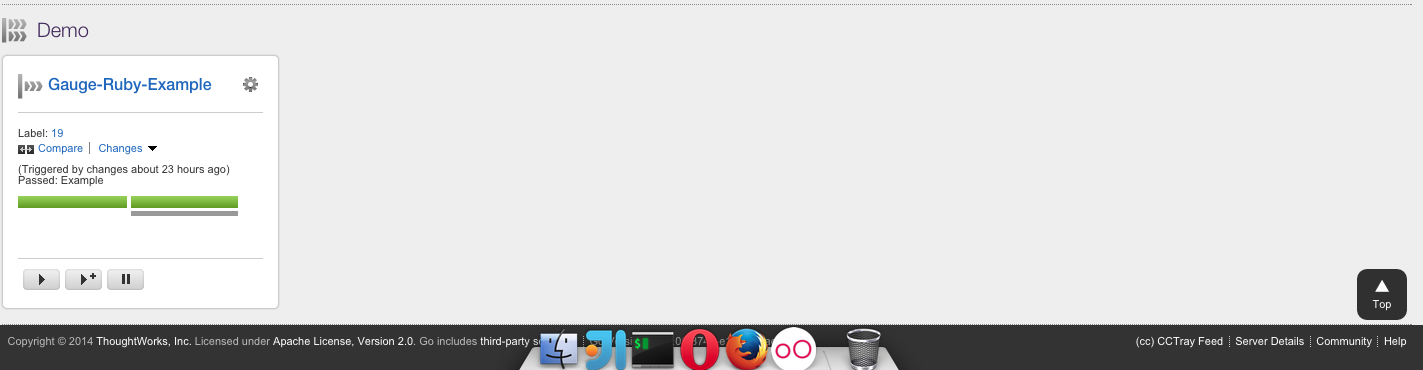
Download and Install Gauge on the Go Agents
Install the required gauge language plugin on the Go agents.
Tips on Installation
- Gauge is installed system wide by default and not user wide. However, plugins are installed per user. So plugins should be installed via user account with which the Go agent executes. Refer default install location of Gauge and its plugins here.
- Alternately, you can set custom location for plugins so that its accessible to Go agent running as a different user.
Create execution task
Create a new task which will run
gauge run specs.- If you want to run only a subset of specs, you can use Tagged Execution.
Eg.
gauge run --tags "tag1 & tag2" specs
Adding a flag
-pruns them using Parallel Execution.Run against specific Environments using the
--envflagSee the Help for list of all the flags that can be used.
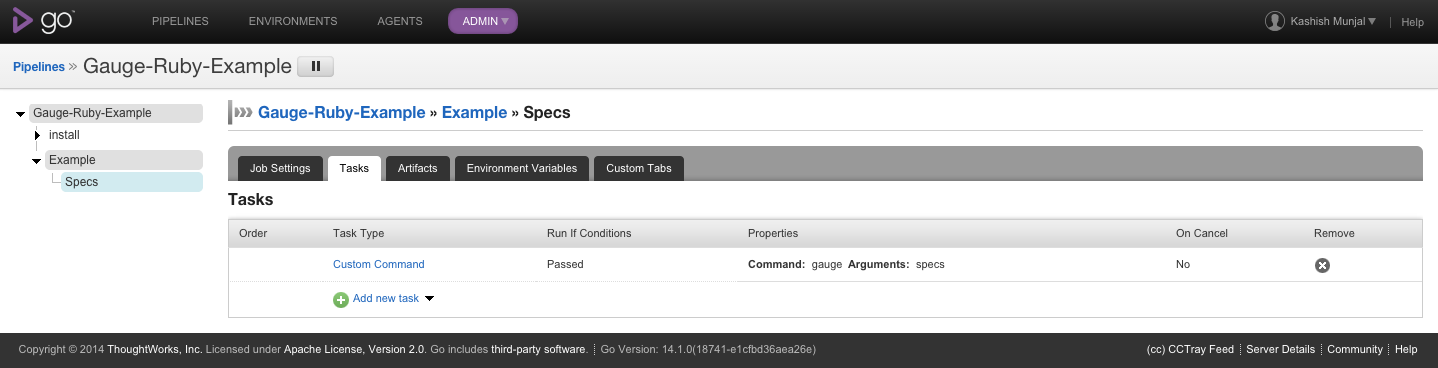
configuring
Reports
Gauge generates html-reports after execution which can be configured in Go by adding a new artifact in Artifacts tab.
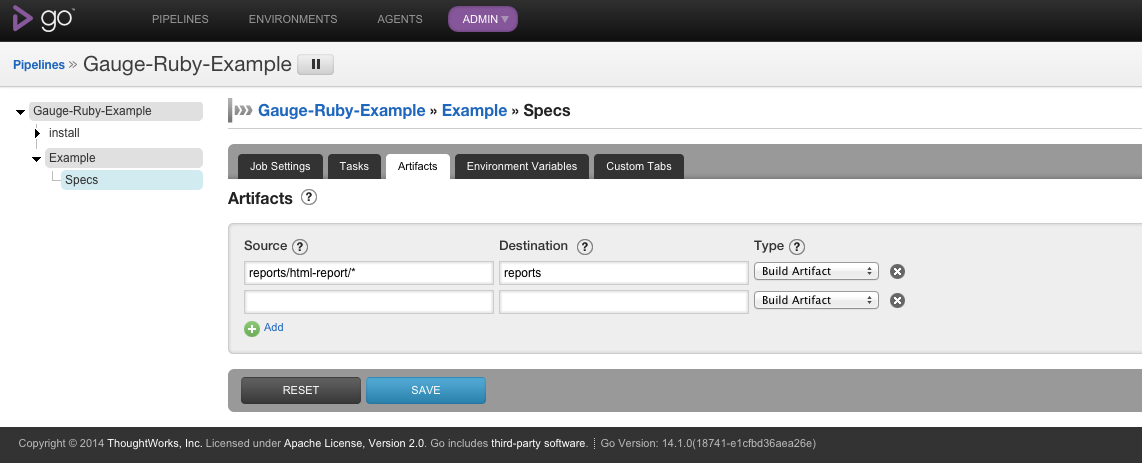
artifact
Artifacts can be viewed in the artifacts tab.
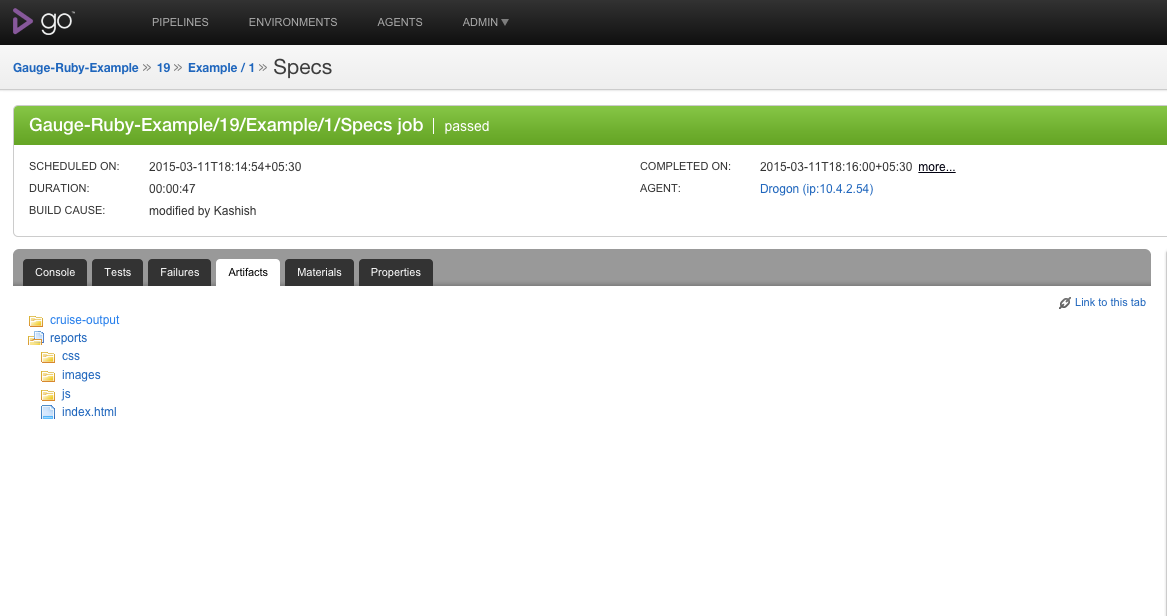
artifact
Console output can be seen while execution of job and reports can be seen after execution.
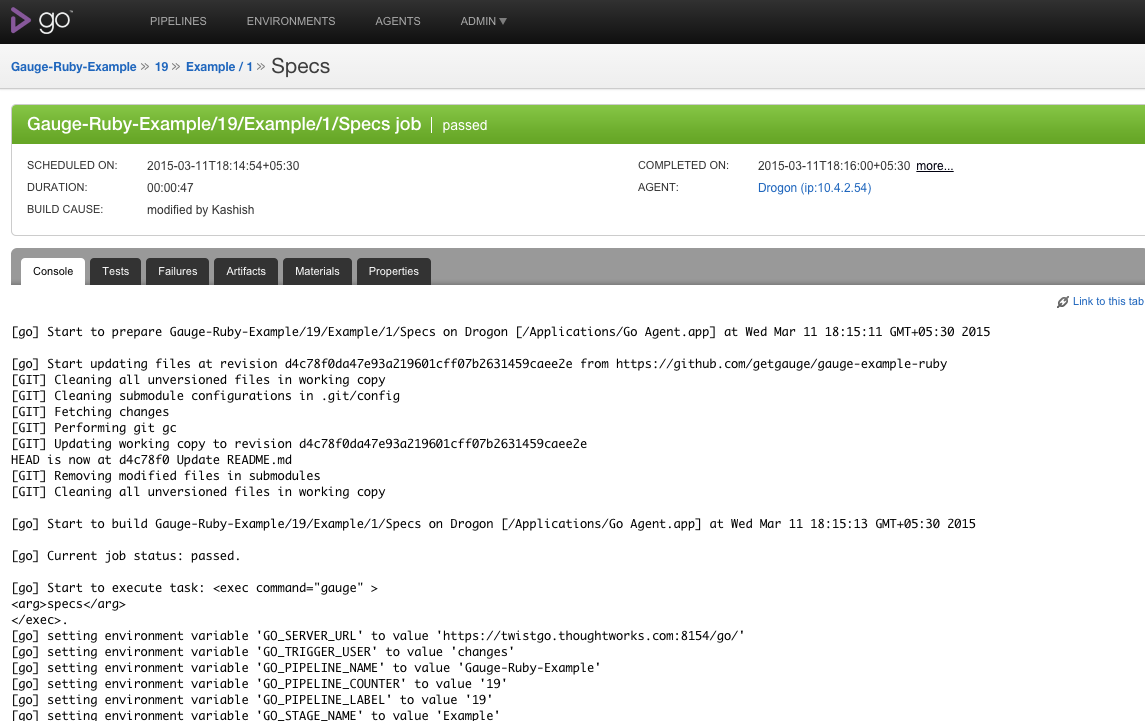
console
You can also add a custom tab to view your html reports generated.